
What Is Cloud-Based PACS? How It Works and Key Benefits
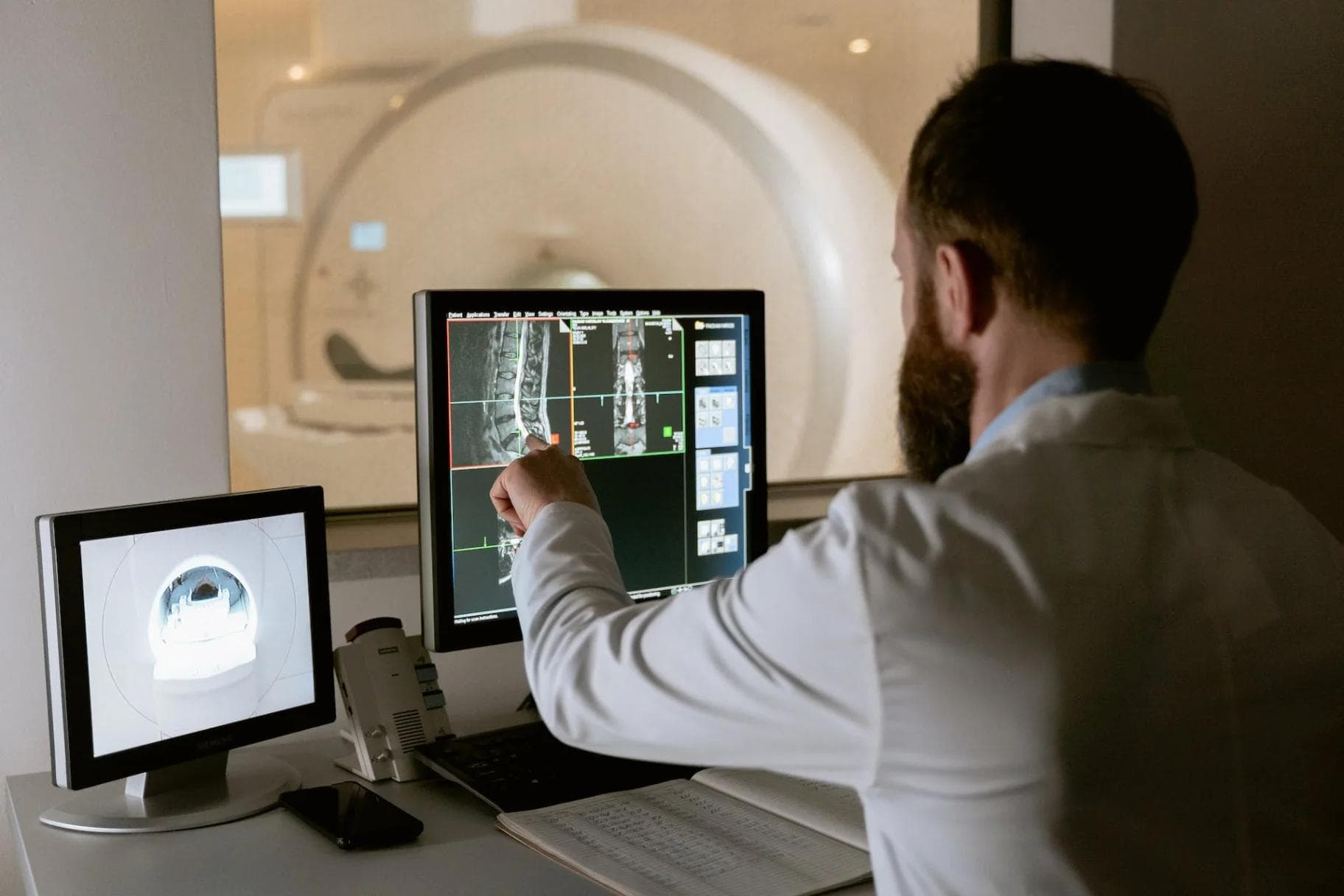
What Is Cloud-Based PACS? Definition, Benefits and How It Works
A cloud-based PACS (Picture Archiving and Communication System) is medical imaging software that stores, retrieves, views, and shares diagnostic images such as X-rays, CT scans, MRIs, and ultrasounds on secure remote cloud servers instead of on-site hardware. Clinicians access DICOM studies through a web browser, from any location, without local servers or installed software.
A Quick Background: What PACS Does
PACS replaced film-based imaging in hospitals and imaging centers. Instead of printing, filing, and physically transporting film, a PACS receives digital images directly from imaging equipment, stores them in a central archive, and delivers them to workstations where radiologists and referring physicians can view, compare, and report on them.
Every PACS works with the DICOM standard (Digital Imaging and Communications in Medicine), the universal format that imaging modalities use to create and exchange studies. A modality such as a CT scanner, ultrasound machine, or mammography unit sends DICOM images to the PACS, which indexes them alongside patient and order information pulled from the RIS (Radiology Information System) or EHR. The result is a searchable worklist: the right study, for the right patient, available in seconds.
Traditional PACS deployments keep all of this on servers inside the facility. Cloud-based PACS moves the archive, the database, and the viewing software to a professionally managed cloud platform, while the day-to-day workflow for clinicians stays familiar.
How Cloud-Based PACS Works
A cloud PACS follows the same imaging workflow as an on-premise system. The difference is where the computing and storage happen.
Image Acquisition and DICOM Cloud Storage
When a technologist completes a study, the modality sends the DICOM images to a secure gateway at the facility, which forwards them to cloud storage. Each study is indexed with patient demographics and order details, then stored redundantly across data centers so a hardware failure never makes images unavailable. Because storage capacity expands on demand, facilities can archive years of prior studies online for instant comparison instead of retrieving them from offline media.
Storage is also where the cost model changes. On-premise archives need new servers and disks every few years, plus backup systems and IT time to manage them. DICOM cloud storage replaces those capital purchases with a predictable subscription that grows with image volume.
Zero-Footprint Viewing
The viewer is the part of a cloud PACS that clinicians notice most. A zero-footprint viewer runs entirely in a standard web browser. There is nothing to install, no plugin to maintain, and no workstation license to manage. A radiologist opens a browser, signs in securely, and reads from a worklist, whether they are in the reading room, at a satellite clinic, or at home.
Modern zero-footprint viewers handle the tools reading physicians expect: window and level adjustment, measurement and annotation, multi-planar views, prior study comparison, and cine playback for cardiology and ultrasound. Because the heavy image processing happens server-side, studies open quickly even on ordinary hardware and typical office internet connections.
Integration With RIS, EHR and Reporting
A cloud PACS does not operate in isolation. It connects to the RIS and EHR using HL7 messaging for orders, scheduling, and results, and increasingly through FHIR APIs for modern interoperability. When an order is placed, the PACS worklist updates automatically. When the radiologist signs a report, the report and a link to the images flow back into the patient record in the EHR or EMR.
This integration removes manual steps that slow reporting down: re-typing patient details, hunting for priors, and dictating into disconnected systems. It also gives referring physicians direct access to images instead of burned CDs or faxed reports, which is one reason image sharing is a core part of how cloud-based PACS systems simplify medical image sharing across care teams.
Types of Cloud PACS Deployment
Not every cloud deployment looks the same. Facilities generally choose between three models.
Fully Cloud-Hosted PACS (SaaS)
The vendor hosts the entire system: archive, database, viewer, and backups. The facility needs only imaging modalities, a gateway, and internet access. Updates, security patching, and uptime are the vendor's responsibility. This model suits imaging centers and specialty practices that want to eliminate server management entirely.
Hybrid Cloud PACS
A hybrid model keeps a small local server or cache at the facility for the most recent studies while the long-term archive lives in the cloud. Sites with limited bandwidth or very high study volumes often prefer this, because today's cases open from the local cache while priors and archive retrieval come from the cloud.
Private Cloud or Hosted On-Premise
Some large health systems run PACS software in their own data center or a private cloud they control. This gives the IT department full control over infrastructure, at the cost of keeping hardware, staffing, and maintenance in-house. It behaves like a traditional PACS with some cloud-style flexibility.
Key Benefits of Cloud-Based PACS
Access from anywhere. Authorized clinicians can view studies from any location with an internet connection. Teleradiology, multi-site groups, and on-call coverage become straightforward instead of engineering projects.
Lower total cost. There are no archive servers to buy, refresh, or house, and less IT effort spent on backups and maintenance. The detailed cost case is covered in our guide to the benefits of cloud PACS.
Effortless scalability. Storage and user capacity grow with the practice. Adding a new site or modality does not trigger a hardware project.
Better collaboration. Referring physicians, specialists, and patients can be given secure access to images, which speeds consultations and second opinions.
Built-in disaster recovery. Studies are stored redundantly in the cloud, so a fire, flood, or ransomware incident at one facility does not destroy the image archive.
Faster diagnoses and reporting. Priors are available instantly, worklists are always current, and reports move electronically. Specialists reviewing remotely can turn studies around sooner, which improves patient care.
Cloud PACS vs On-Premise PACS
The practical differences between the two models are easiest to see side by side.
| Factor | Cloud-Based PACS | On-Premise PACS |
|---|---|---|
| Infrastructure | Vendor-managed cloud servers | Servers owned and housed by the facility |
| Upfront cost | Low, subscription based | High, hardware purchase required |
| Access | Any browser, any location | Mostly within the facility network |
| Storage scaling | Automatic, on demand | Manual, new hardware needed |
| Maintenance | Handled by the vendor | Handled by in-house IT |
| Disaster recovery | Built in, redundant copies | Facility must build and test it |
| Upgrades | Continuous, no downtime projects | Scheduled projects, often disruptive |
Neither model is wrong for every organization. Hospitals with large internal IT teams and sunk infrastructure investments sometimes stay on-premise longer. For most imaging centers and specialty practices, though, the cloud model removes more cost and friction. Our full comparison of cloud PACS vs onsite PACS walks through the decision in more depth.
Security and Compliance in Cloud PACS
Medical images are protected health information, so security is not optional. A reputable cloud PACS addresses it at several layers.
Encryption. Images and data are encrypted in transit between the facility, the cloud, and the viewer, and encrypted at rest in storage.
Access control. Role-based permissions, individual user accounts, and audit logs ensure clinicians only see the patients they are authorized to see, and every access can be traced.
Compliance frameworks. Cloud PACS vendors serving US healthcare operate under HIPAA requirements and sign Business Associate Agreements. Independent audits such as SOC 2 verify that the vendor's security controls actually work as claimed. Some platforms also carry state-level certifications such as TX-RAMP for work with public institutions.
Data protection. Redundant storage, automated backups, and tested recovery procedures protect against data loss far more reliably than a single server room.
Facilities evaluating vendors should ask for audit reports, certification status, and the vendor's incident response process, not just a claim of being "HIPAA compliant."
Who Uses Cloud-Based PACS?
Hospitals use cloud PACS to connect departments and satellite facilities to one archive, so an image acquired at any site is available everywhere.
Imaging centers rely on it to serve many referring practices, deliver images and reports quickly, and grow volume without growing an IT department.
Specialty practices benefit the most from modern cloud platforms, because their workflows differ from general radiology. Cardiology groups need echo and cath lab studies with measurement tools and structured reporting, which is why specialty platforms such as a dedicated cardiology PACS system exist. Radiology practices need high-volume reading worklists and fast prior retrieval, the focus of a radiology PACS system. Orthopedics, vascular, OB/GYN, and pain medicine practices use cloud PACS to view imaging alongside their specialty workflows instead of working around a generic hospital system.
Teleradiology groups are natural cloud users, since their radiologists read for many facilities from distributed locations by design.
How to Choose a Cloud PACS
A structured evaluation prevents expensive surprises after go-live. Check the following before signing.
- DICOM and modality support. Confirm the system handles every modality you use, including ultrasound, mammography, and cardiology studies, and supports your VNA or enterprise imaging strategy if you have one.
- Viewer quality. Read sample studies in the actual browser viewer. Check load times on your real internet connection, measurement tools, and prior comparison.
- Integration depth. Ask how the vendor connects to your RIS and EHR, which HL7 or FHIR interfaces are included, and what interface work costs extra.
- Security evidence. Request SOC 2 reports, HIPAA documentation, and certifications such as TX-RAMP. Verify the vendor will sign a BAA.
- Storage and pricing terms. Understand what unlimited or tiered storage really covers, how long priors stay online, and what data export looks like if you ever leave.
- Migration plan. Moving years of archive data is the hardest part of any PACS change. Get the migration timeline, validation process, and cost in writing.
- Support and roadmap. Check support hours, response times, and whether the vendor is investing in capabilities such as AI-assisted reporting and dictation tools like an AI medical scribe.
SARC MedIQ PACSflow: Cloud PACS for Specialty Practices
SARC MedIQ's PACSflow is a cloud PACS built around the way specialty practices actually work. It is a zero-footprint platform: clinicians open studies in a browser with no downloads and no software to install. Storage is unlimited, so practices stop planning archive expansions and stop rationing which priors stay online.
PACSflow covers the full imaging workflow on one platform, from DICOM image storage and viewing to reporting and secure image sharing with referring physicians and patients. It is part of the broader MedIQ platform, which adds clinical workflow automation and AI-assisted documentation alongside the imaging core.
For practices moving off legacy servers or CDs, the practical gains are the ones described throughout this article: images available anywhere, no hardware to maintain, and a system the whole care team can actually access.
Conclusion
Cloud-based PACS stores and delivers medical images from secure cloud infrastructure instead of facility servers. It keeps the DICOM workflow clinicians know, while removing hardware costs, expanding access, and strengthening security and disaster recovery. For hospitals, imaging centers, and specialty practices evaluating their next imaging platform, it is now the default option to beat.
If you are comparing platforms, see PACSflow in action on your own workflow. Book a 30-minute demo and we will walk through your modalities, integrations, and migration path.
Frequently asked questions
The difference is where the system runs. A traditional PACS stores images on servers inside the healthcare facility, maintained by local IT staff. A cloud-based PACS stores the same DICOM images on the vendor's secure cloud infrastructure, and clinicians reach them through a web browser. The imaging workflow, worklists, viewing, and reporting stay the same, but the facility no longer buys hardware, manages backups, or restricts access to its own network.
Yes, when the vendor is properly certified. A compliant cloud PACS encrypts images in transit and at rest, enforces role-based access with audit logs, and operates under a signed Business Associate Agreement as HIPAA requires. Leading vendors also pass independent SOC 2 audits, and some hold certifications such as TX-RAMP. Facilities should always verify audit reports and certifications directly rather than relying on a vendor's marketing claim of compliance.
Cloud PACS is usually priced as a subscription based on study volume, storage, and number of users, rather than a large upfront hardware purchase. Exact pricing varies by facility size and modality mix. The total cost is typically lower than on-premise PACS once server purchases, refreshes, backup systems, and IT maintenance are counted. Most vendors, including SARC MedIQ, provide a tailored quote after reviewing your study volumes and integration needs.
Yes. Cloud PACS platforms integrate with RIS and EHR systems using HL7 messages for orders, scheduling, and results, and FHIR APIs where available. Orders placed in your existing system appear on the PACS worklist automatically, and signed reports with image links flow back into the patient record. Before choosing a vendor, confirm which interfaces are included in the base price and ask about their experience with your specific RIS or EHR.
Migration timelines depend mainly on archive size. Small practices with a few years of studies may go live in weeks, while large archives with a decade of priors can take several months to transfer and validate. Most vendors run the cloud system in parallel during migration, so clinical work continues uninterrupted. Ask any vendor for a written migration plan covering data validation, prior study availability, and rollback options before you commit.

Colin McCann, Ph.D.
Colin McCann, Ph.D., is the Co-Founder and CTO of SARC MedIQ, where he leads AI and healthcare imaging technology initiatives. His background spans machine learning, computer vision, cloud healthcare infrastructure, and large-scale medical data systems, with prior research experience at the National Institutes of Health and the University of Maryland. He specializes in building scalable AI-driven solutions for medical imaging, reporting, and healthcare workflow automation.

Never miss an insight that matters
Subscribe to get the latest articles, case studies, and product updates delivered straight to your inbox.
Ready to modernize your practice?
Discover how MedIQ and optional modules can streamline your workflow, improve efficiency and modernize your practice.
Book 30-min demo